Recharge Your Connection in Three Steps
Top-ups are designed for travelers, not technicians. Whether you’re landing in Auckland or already exploring the South Island, getting online takes less than five minutes. No queues, no confusing portals—just a clear path to connectivity.
Step 1: Choose your plan. Use the Plan Picker above or browse our curated selection. We recommend starting with your trip duration and daily data needs to avoid overpaying for unused gigabytes.
Step 2: Submit your details. Our micro-form collects only what we need to generate your eSIM QR code or link a physical SIM. You’ll receive an email with activation instructions within our service hours.
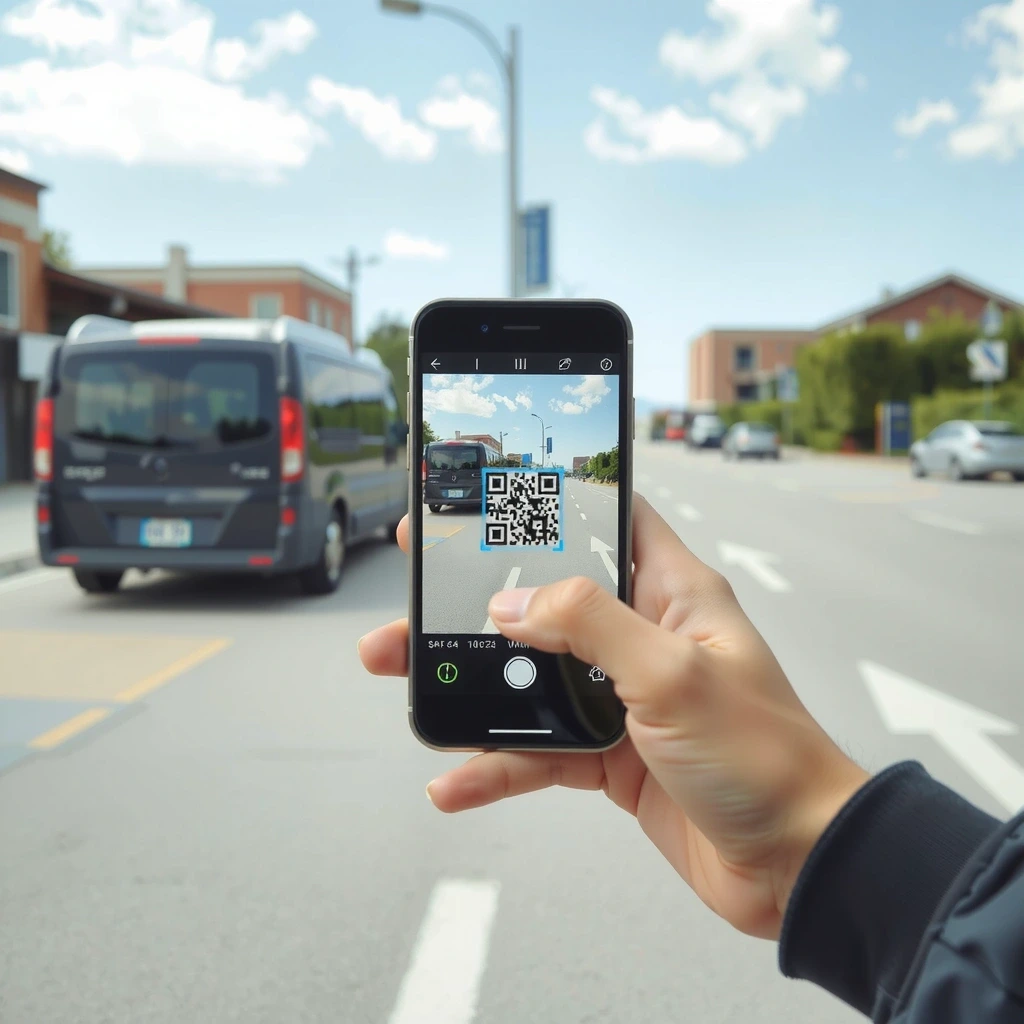
Step 3: Activate on arrival. Scan the QR code with your phone’s camera or eSIM settings. Data and voice services light up within minutes—often before you’ve cleared customs.
What happens after payment?
- • Instant email receipt with your order reference.
- • QR code delivery (eSIM) or tracking number (SIM card).
- • Reply-to email for direct support if anything looks off.
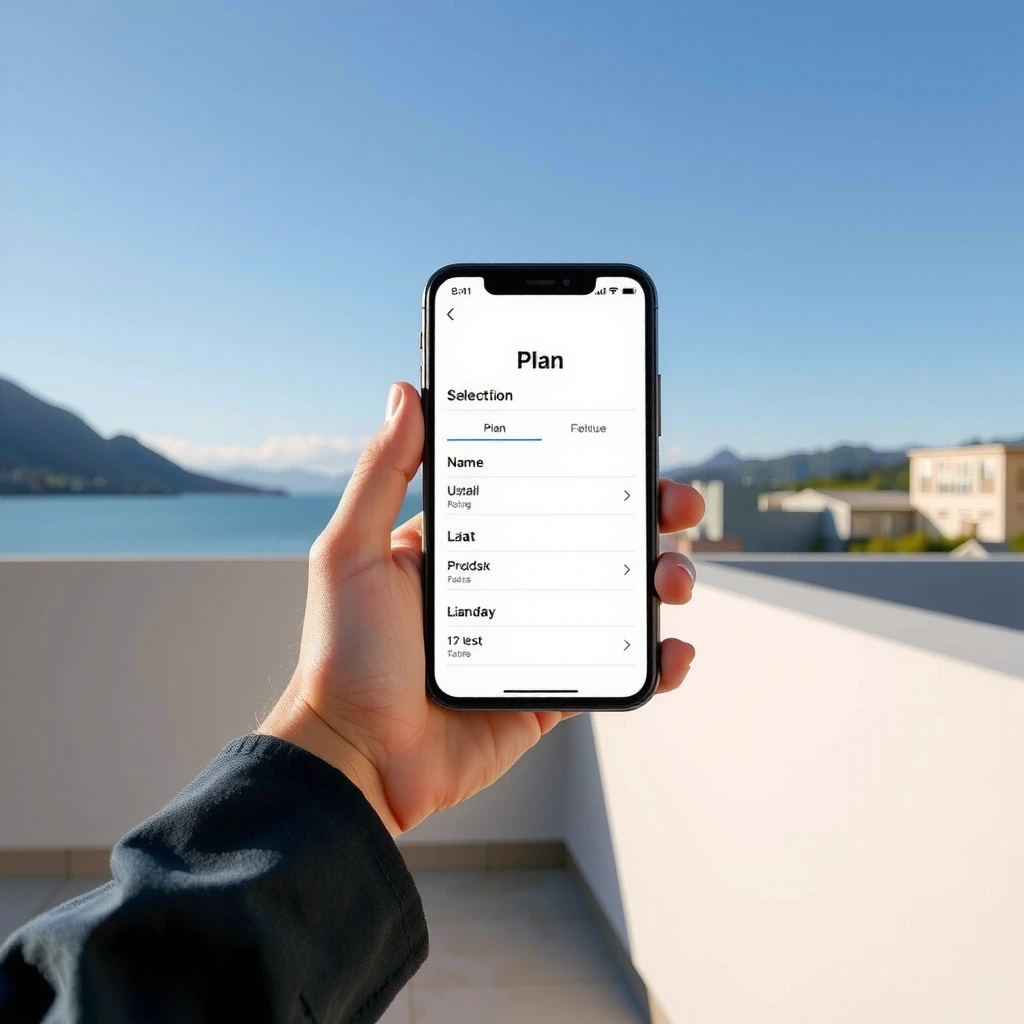
Pick duration and data
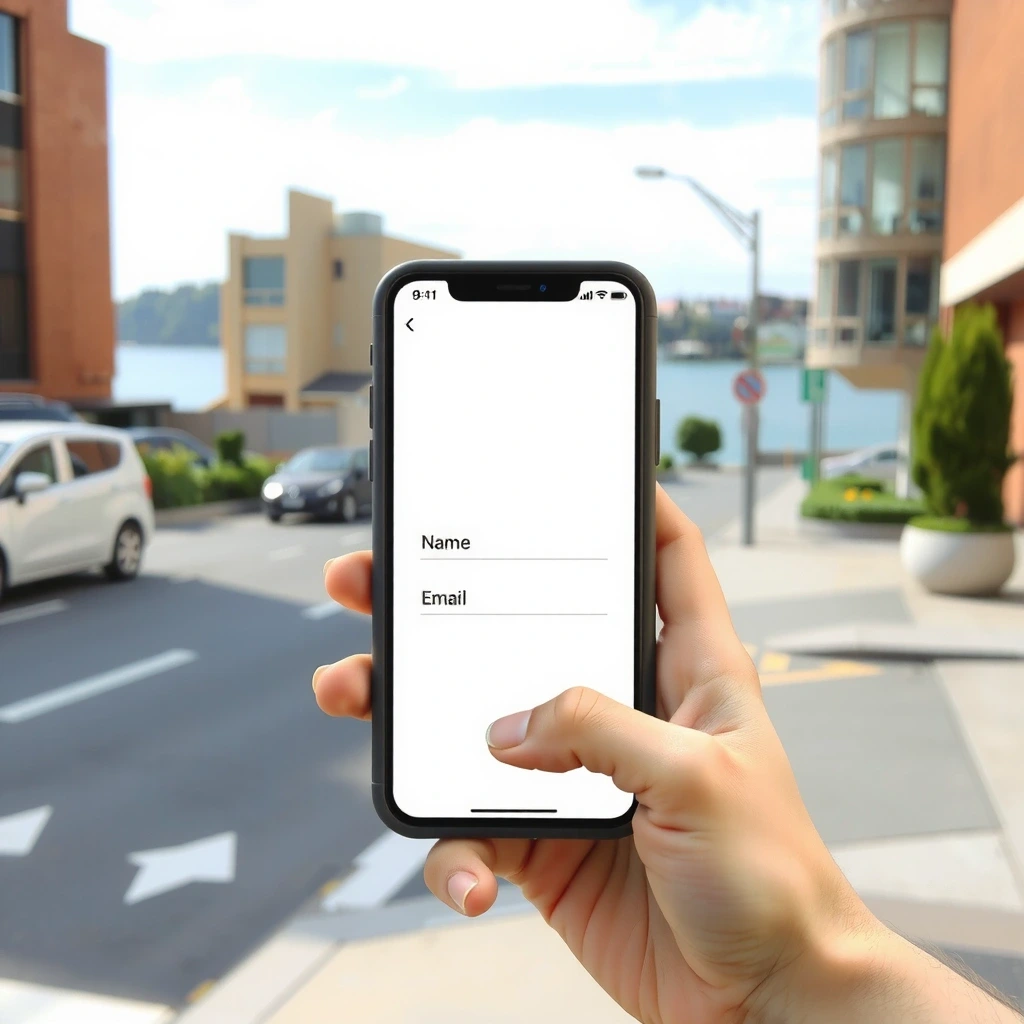
Email and activation date
Scan QR and go online instantly
Payment Options for Every Traveler
We accept major cards and international wallets. Prices are displayed in NZD (New Zealand Dollars) and include GST. Your bank may apply a foreign transaction fee, but we never add hidden currency conversion markups.


Secure by Design
Payment processing is handled by PCI-compliant gateways. We never store your card details on our servers. For bank transfers, use our official account details listed below and email your reference number to [email protected].
Order Confirmation & Next Steps
- Submit the micro-form below
- We send QR/eSIM link to your email
- Activate on arrival in New Zealand
Plan Picker
Answer three questions to find your ideal plan
Top-Up Order
Complete the form to receive your eSIM
Activate Your SIM: From Pocket to Peak Performance
1. eSIM Activation (QR Code)
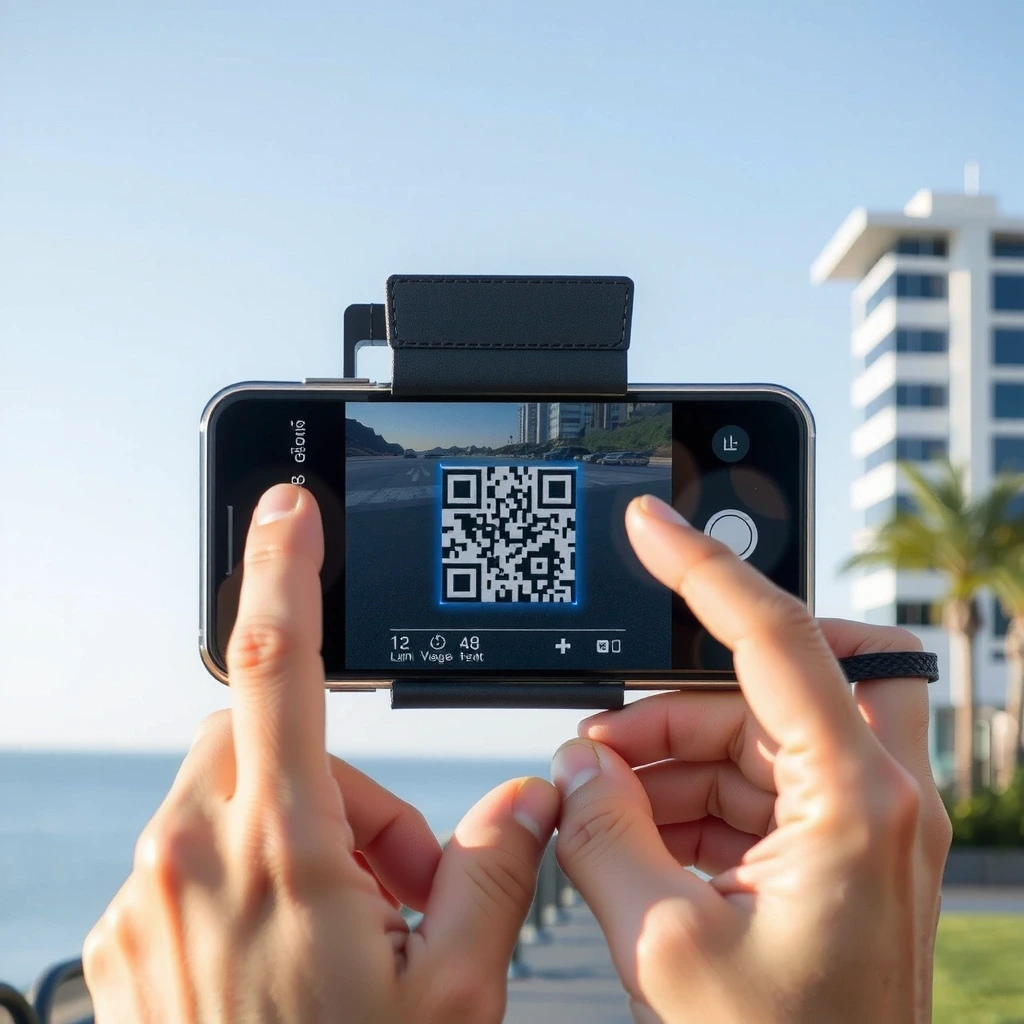
- Open camera or eSIM settings
- Scan QR from email
- Label plan (e.g. "NZ Travel")
- Turn on new line, enable data
2. APN Settings (If needed)
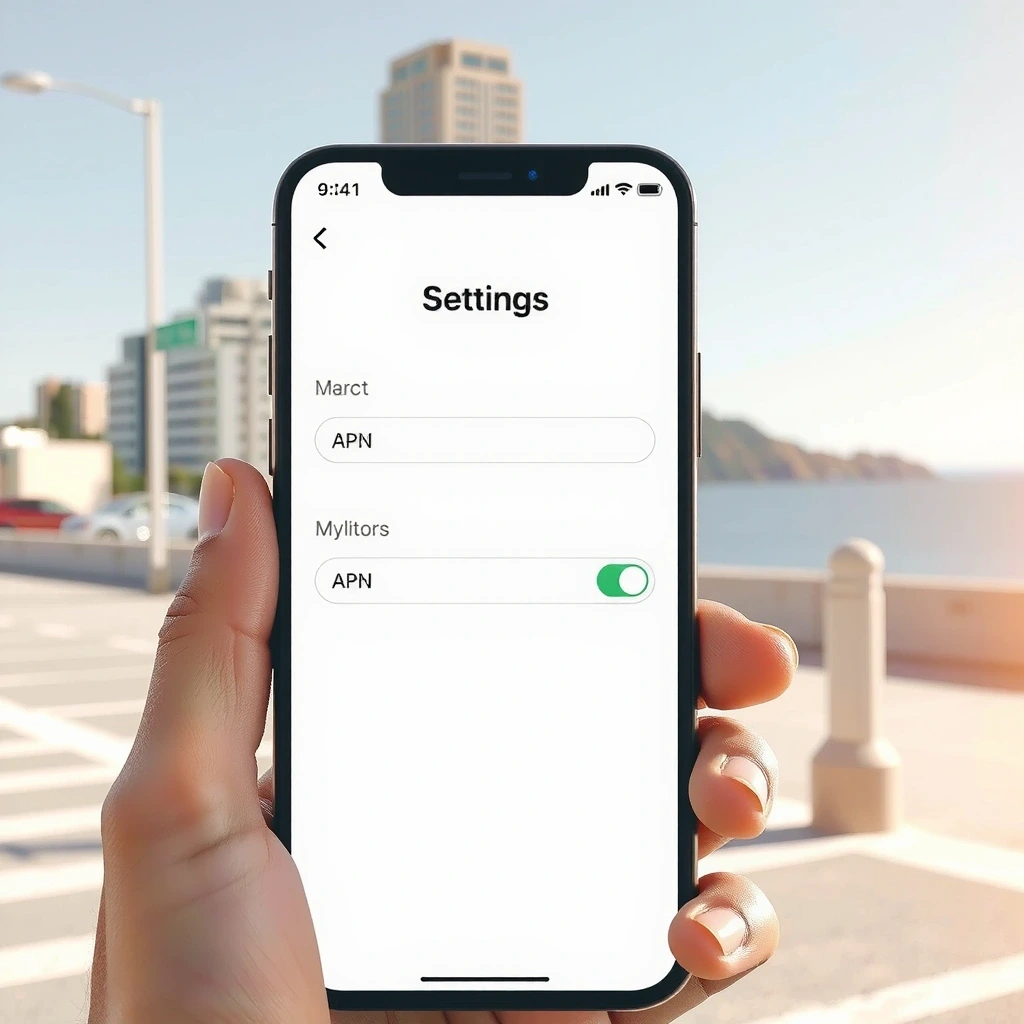
- Mobile Network → Access Point Names
- Add New APN:
smoriy.nz - Save and select it
- Restart phone
3. Weak Signal Troubleshooting

- Toggle Airplane Mode on/off
- Ensure 4G/5G enabled (not 3G only)
- Move to open area; signal penetrates poorly indoors
Need a Hand? We're Local.
Our support team is based in Auckland. We reply within 24 hours during the week, and often faster. For urgent matters, email us directly and mark "URGENT" in the subject line.
FAQ Snippet
Is there a contract? ▼
No contracts. All plans are prepaid and expire after their duration.
Can I keep my number? ▼
Yes. If your home carrier supports number porting to eSIM, we can guide you through the process.
What if I change plans? ▼
We can switch you to a different plan before activation. After activation, changes follow standard top-up rules.
Important New Zealand Numbers
- 111 — Emergency Services (Police, Fire, Ambulance)
- 0800 80 90 90 — Healthline (24/7 medical advice)
- *555 — Highway Patrol (Non-emergency traffic)
Plan Gallery & Pricing
Compare specs. All plans include unlimited calls and SMS within NZ unless Data Only.
Still have questions?
Visit our Support page for detailed guides, or reach us directly.