

CBD & Urban Zones
Auckland, Wellington, Christchurch: Consistent 5G coverage with speeds often exceeding 300Mbps. Video calls and streaming are uninterrupted.
From scanning your QR code to finding the strongest signal in the Coromandel, this is your definitive guide to staying connected in New Zealand.
Scan, install, activate. No physical delivery, no waiting at the airport kiosk. Follow this precise sequence to eliminate technical anxiety before you even land.
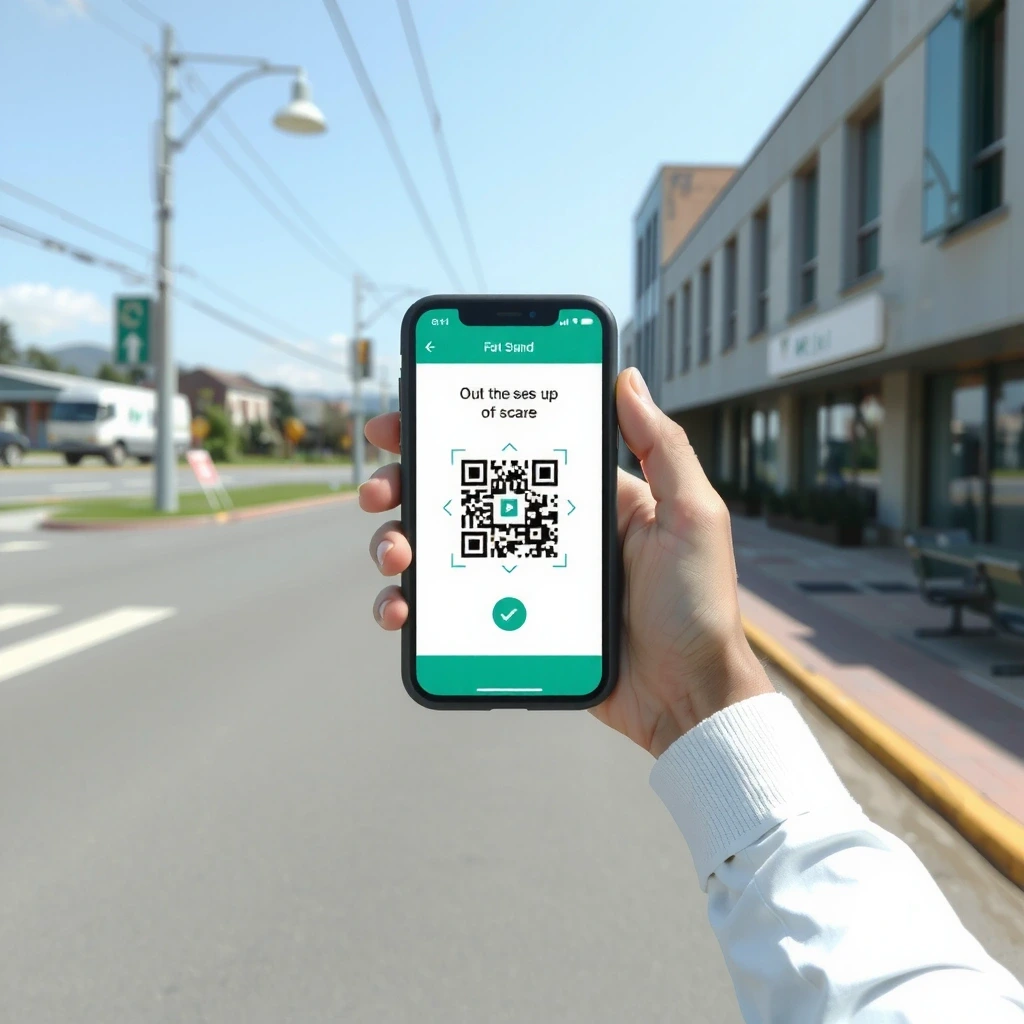
Use your phone's camera to scan the unique QR code provided in your confirmation email.
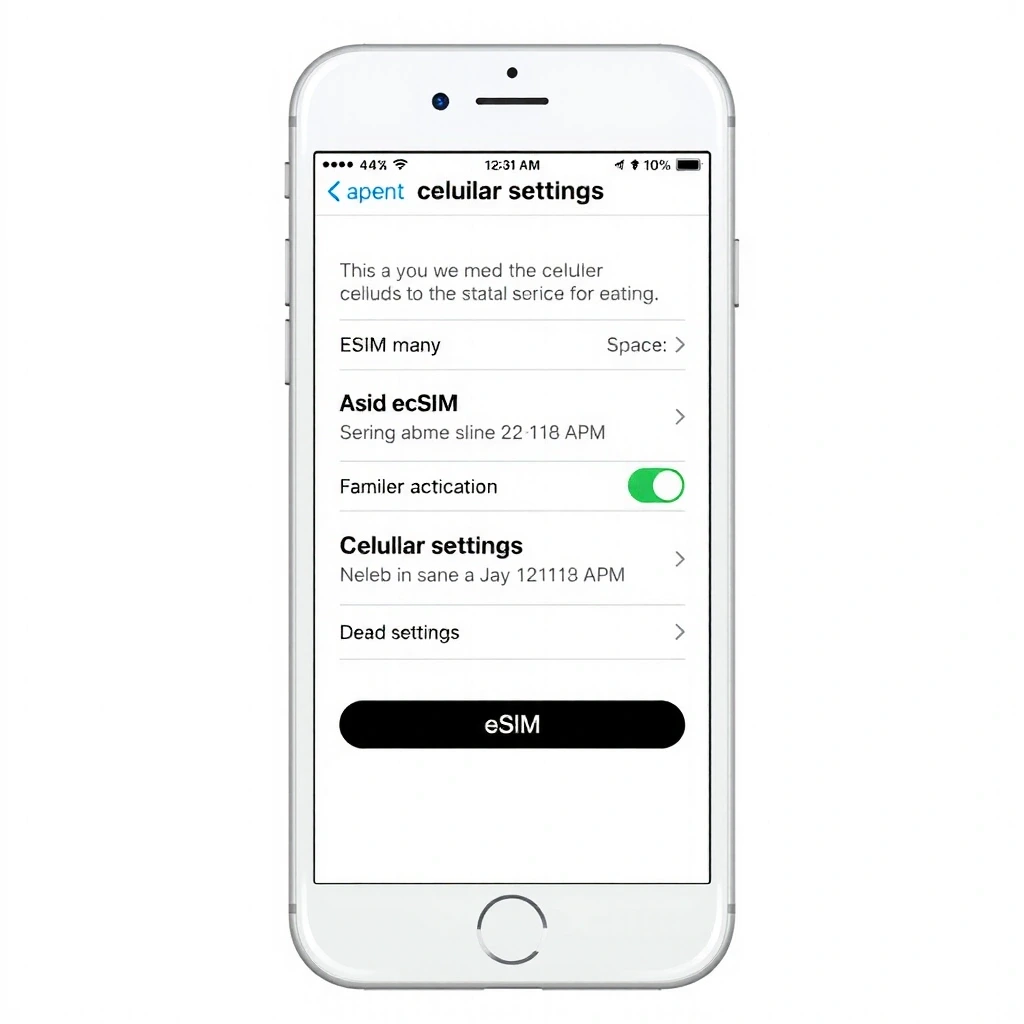
Label the plan "Smoriy NZ" and confirm installation. The profile downloads over Wi-Fi.

Turn on "Smoriy NZ" and Data Roaming. You are live within seconds of touching down.
Ensure your device is unlocked and connected to stable Wi-Fi before starting. If you encounter a "Plan Cannot Be Added" error, restart your phone and try again. This resolves 90% of activation issues.
Most devices configure automatically. If you need manual setup, use these precise parameters. Do not guess—precision ensures immediate connectivity.
| Parameter | Value |
|---|---|
| APN Name | SmoriyInfo |
| APN Type | default,dun |
| MMSC | http://mmsc.smo.nz |
| MCC/MNC | 530 05 |
⚠️ Note: Do not alter other fields like "Authentication Type" or "Bearer" unless instructed. Leave them as "Not Set" or "Unspecified".
We don't promise perfection everywhere. We promise transparency on where you can expect peak performance and where you might need to adjust expectations.
Auckland, Wellington, Christchurch: Consistent 5G coverage with speeds often exceeding 300Mbps. Video calls and streaming are uninterrupted.

Expect LTE in valleys and near visitor centers. Summit areas may drop to 3G or none. Download offline maps before departing.

SH1 coverage is strong. Remote stretches (e.g., SH43) have pockets of coverage. Text messages usually send where data struggles.
"Switched on at Auckland Airport. By the time I got to the baggage claim, my WhatsApp was already working. Seamless."
"Used it for a week in Queenstown. Even up the gondola, I had enough signal for a quick check-in email."
Before you reach out, run this sequence. It resolves the majority of "No Service" or "Slow Data" complaints instantly.
Turn Airplane Mode ON for 15 seconds, then turn it OFF. This forces the phone to re-register with the nearest cell tower. Do this immediately after landing.
Go to Settings > Cellular > Cellular Data Options. Ensure Data Roaming is ON. Without this, you will not connect to NZ networks.
If automatic selection fails, go to Settings > Cellular > Network Selection. Turn off "Automatic" and wait for the list to populate. Select a partner network manually (e.g., Spark or One NZ).
Our support hub is based right here in Auckland. We operate on New Zealand time, 9:00 AM to 6:00 PM, Monday through Friday.
Response time: We aim to reply to all email inquiries within 24 hours during business days.